Adult Studio
A little time
just for you.
Detailed pages, beautiful brushes, and room to get wonderfully lost in the process.
Find your creative escape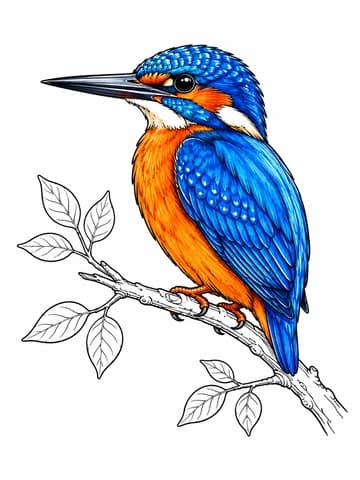
A little more color. A little more you.
Turn an idea, a photo, or a simple sketch into beautifully detailed coloring pages with crisp vector outlines. Made from your imagination. Ready for your colors.
15 free points when you create an account
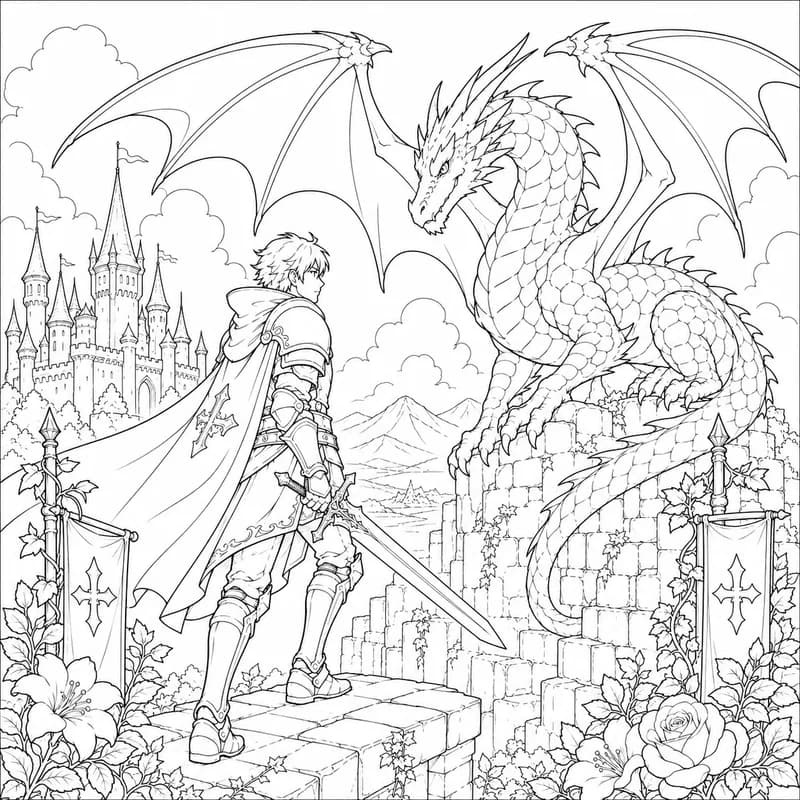
Drag to discover the color. Or use the left and right arrow keys.
Small beginnings. Wonderful possibilities.
We help with the lines.
You make it your own.
 Start with words
A fox in a flower shop? A castle in the clouds? If you can describe it, you have a place to start.
 Start with a photo
Your favorite person, a much-loved pet, that perfect holiday. Turn a memory into something you can color.
 Start with a sketch
Every great idea starts somewhere. Give us your rough sketch and we’ll turn it into clean, ready-to-color lines.
Choose a style. Add your colors. Make something only you could make.
One imagination. Eight different directions.
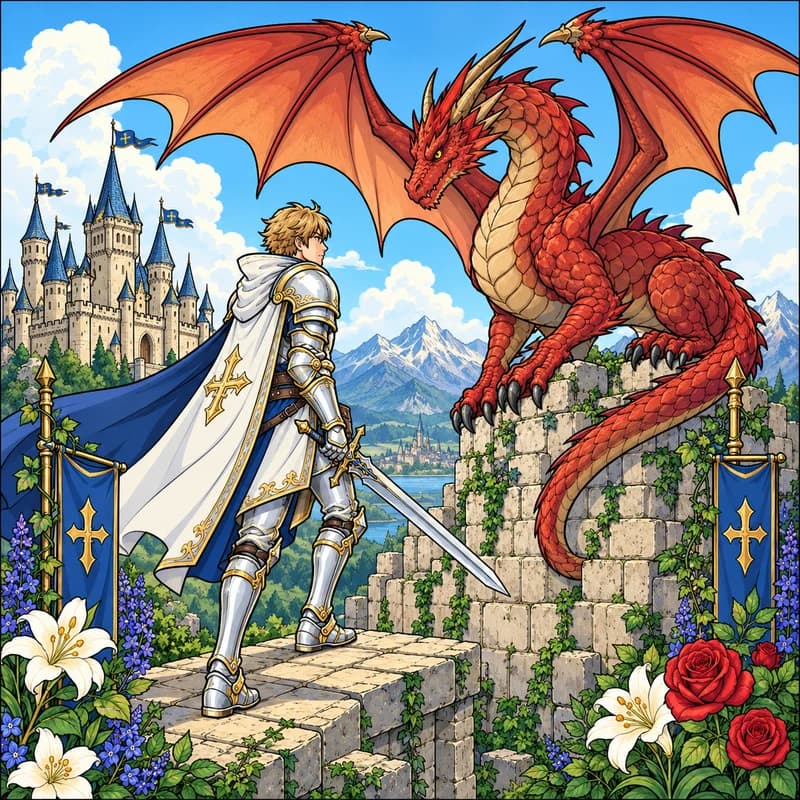
For your inner adventurer
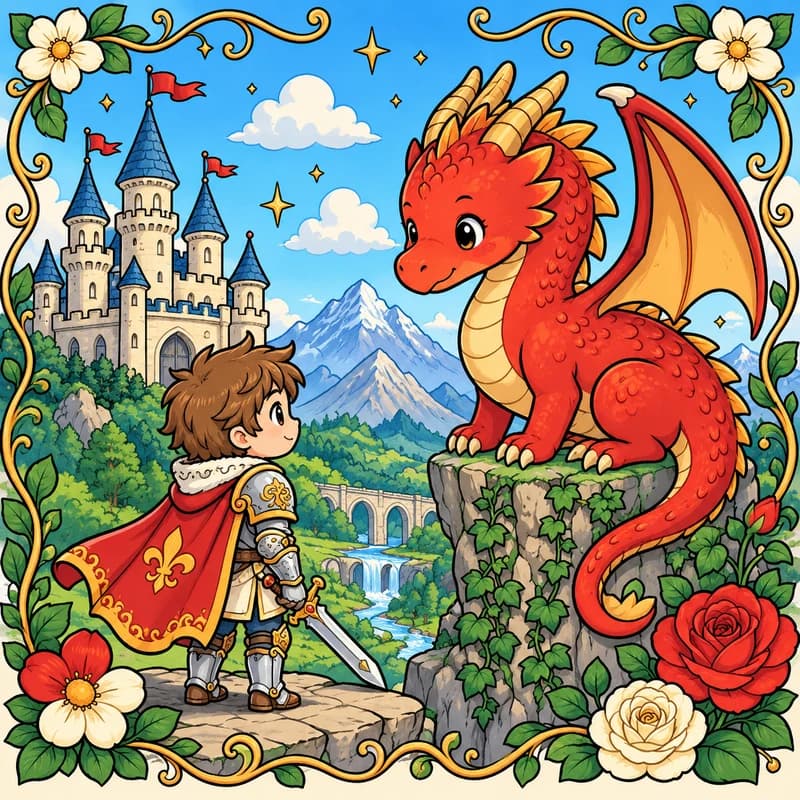
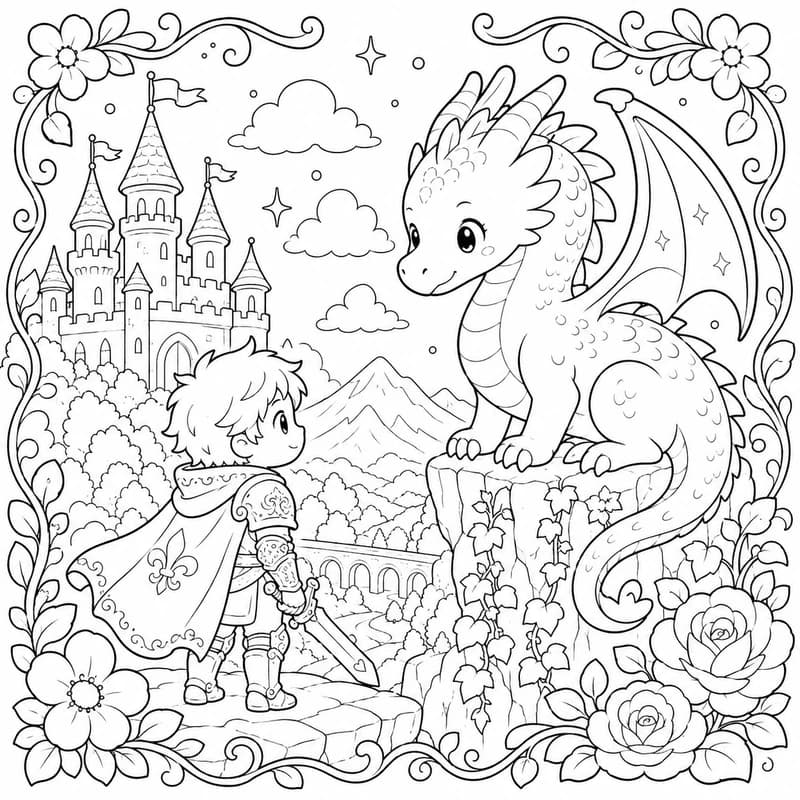
A softer kind of escape
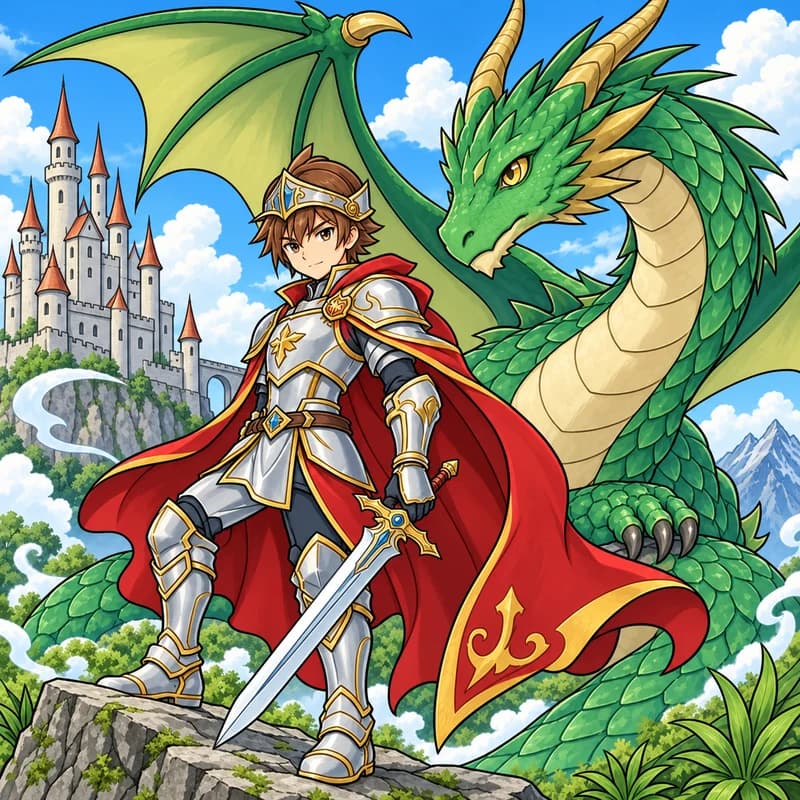
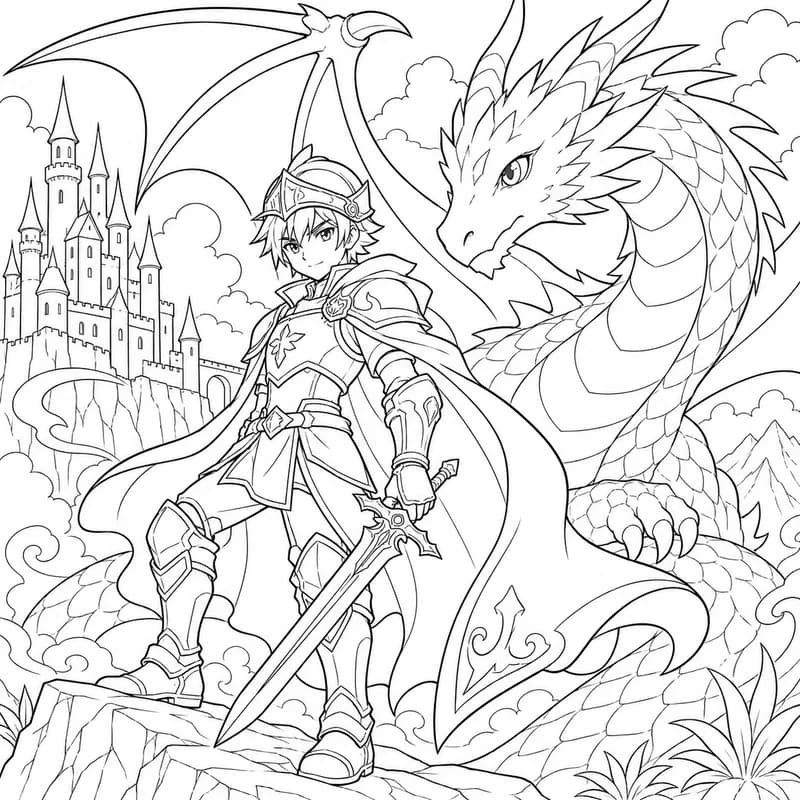
Big eyes. Bigger stories.
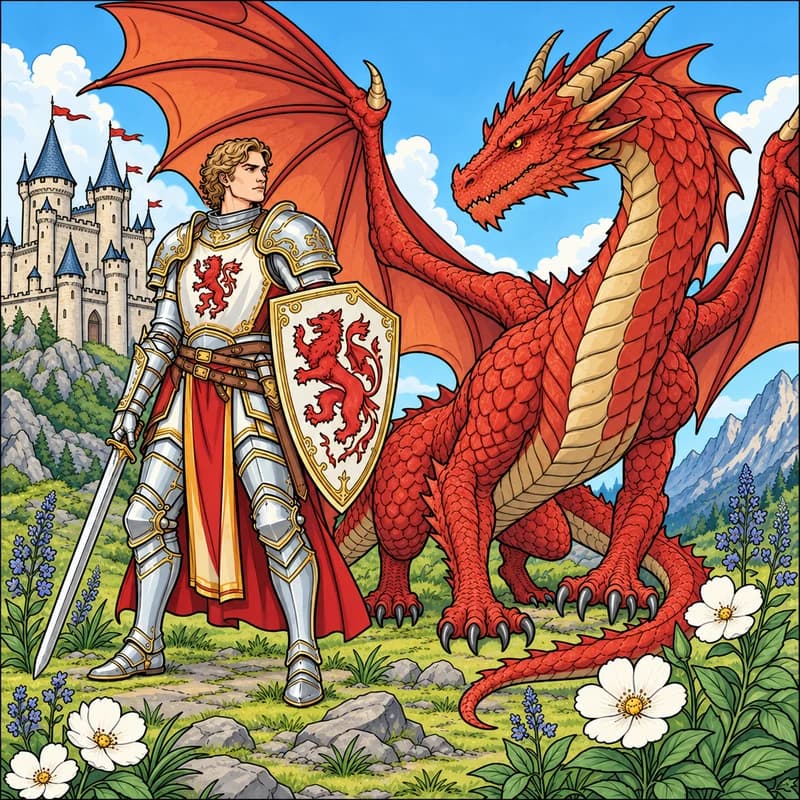
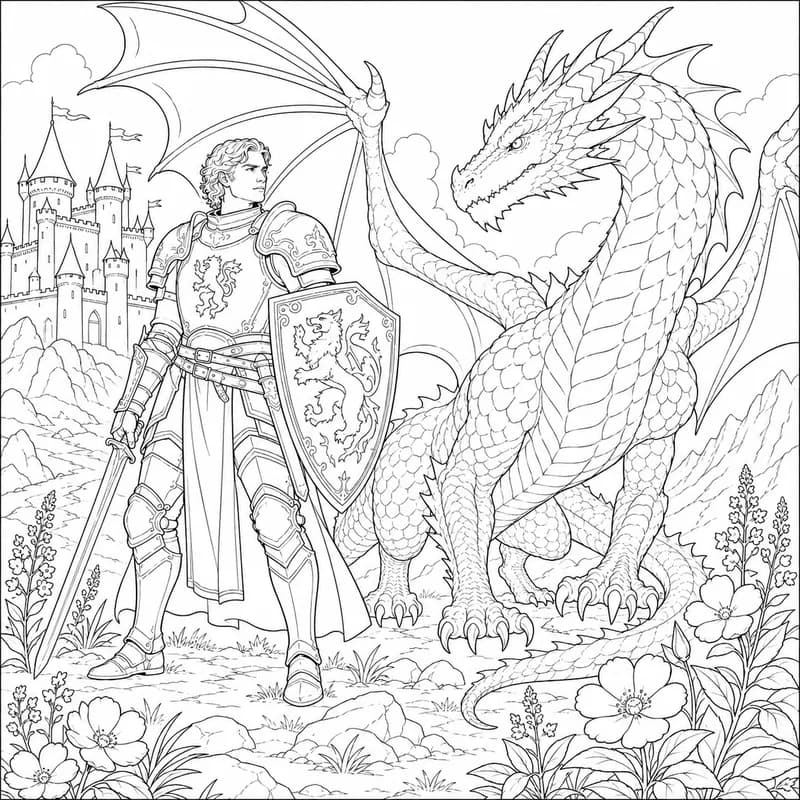
Get lost in the little things
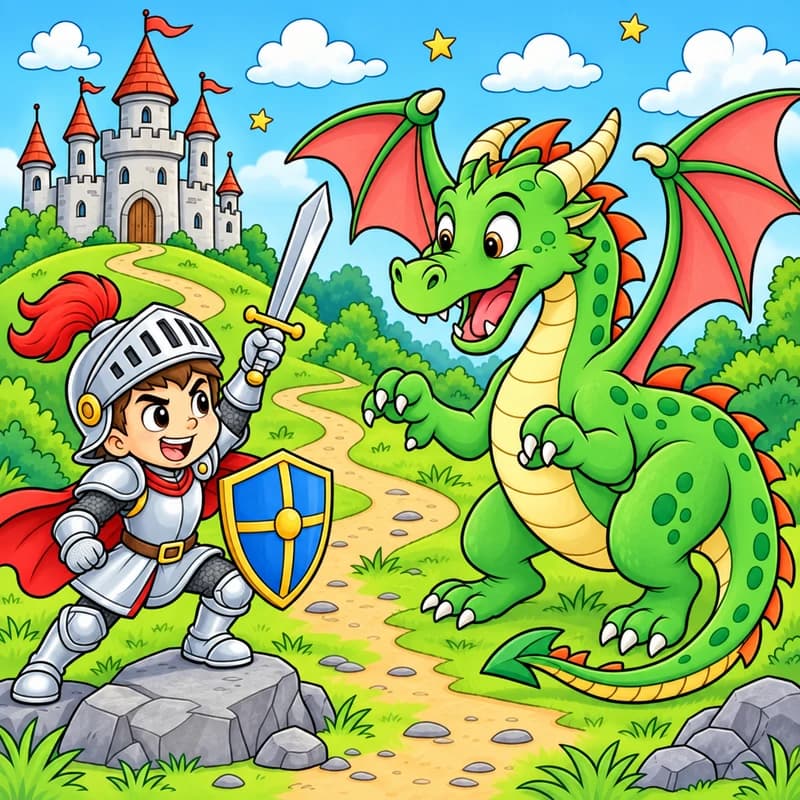
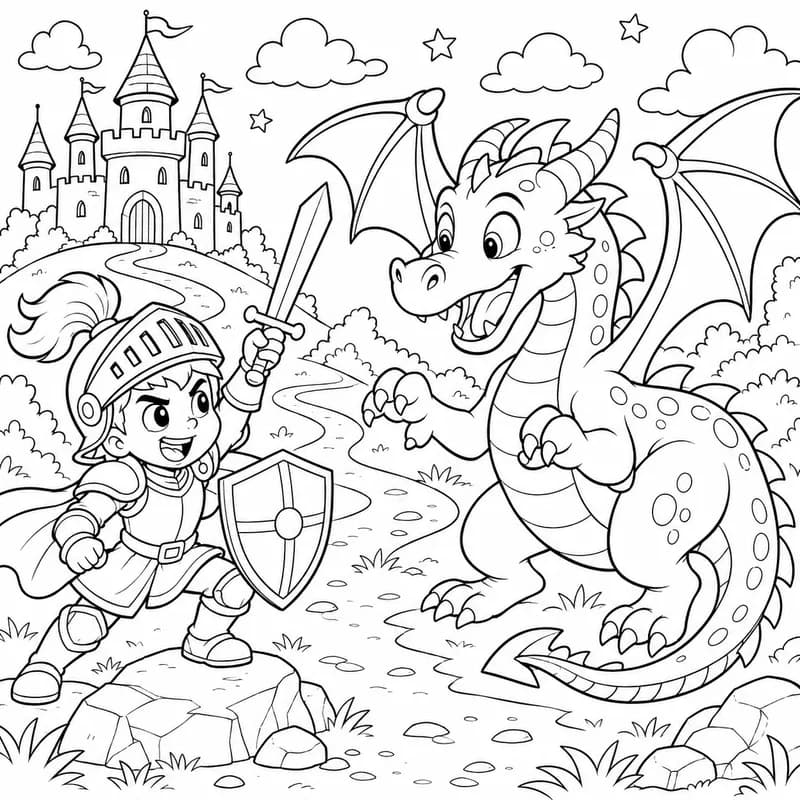
A little Saturday-morning joy
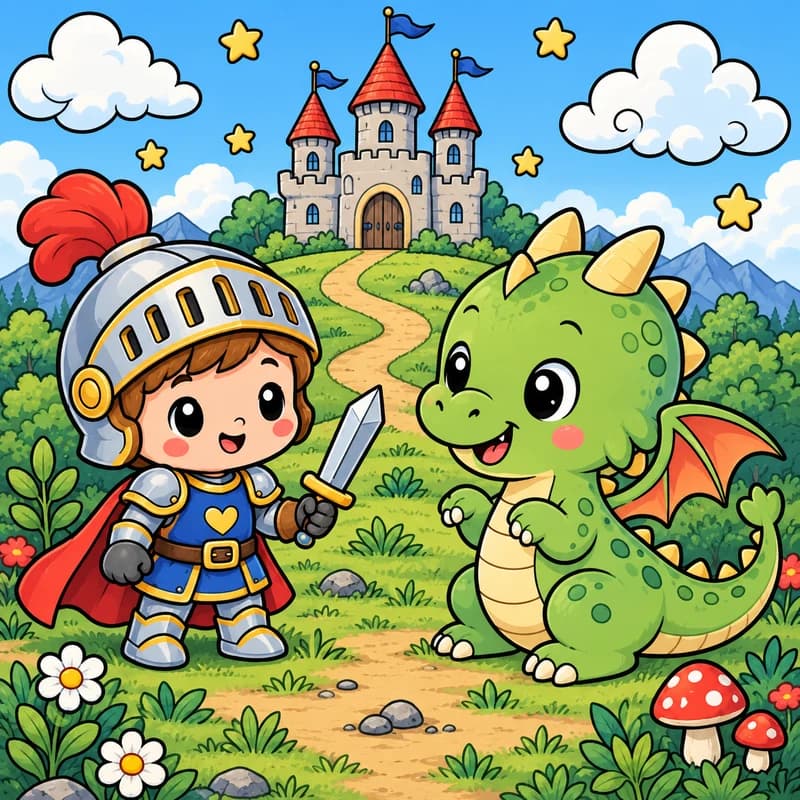
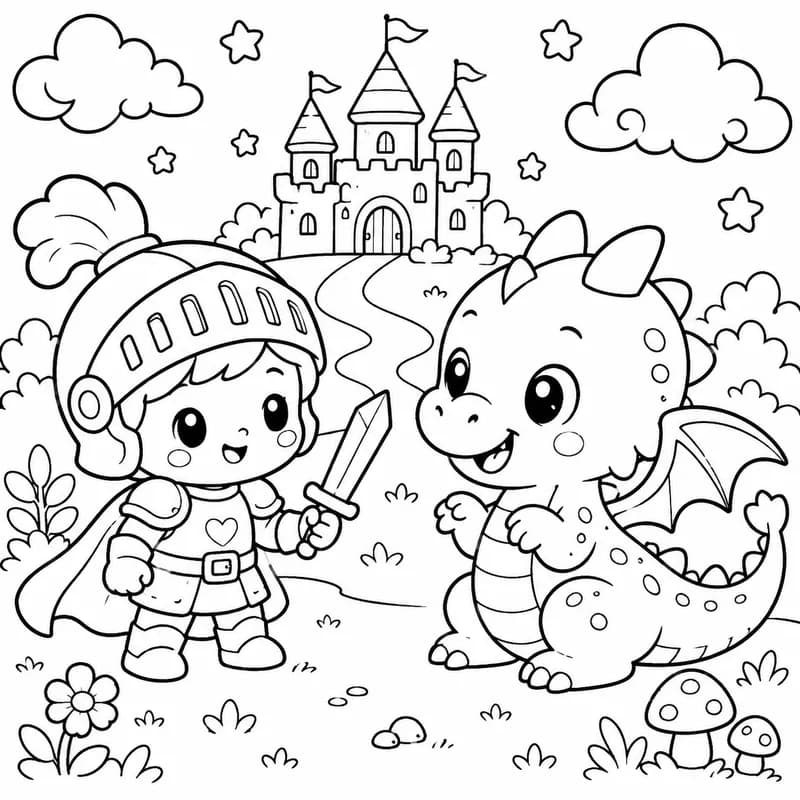
Small characters, big personality
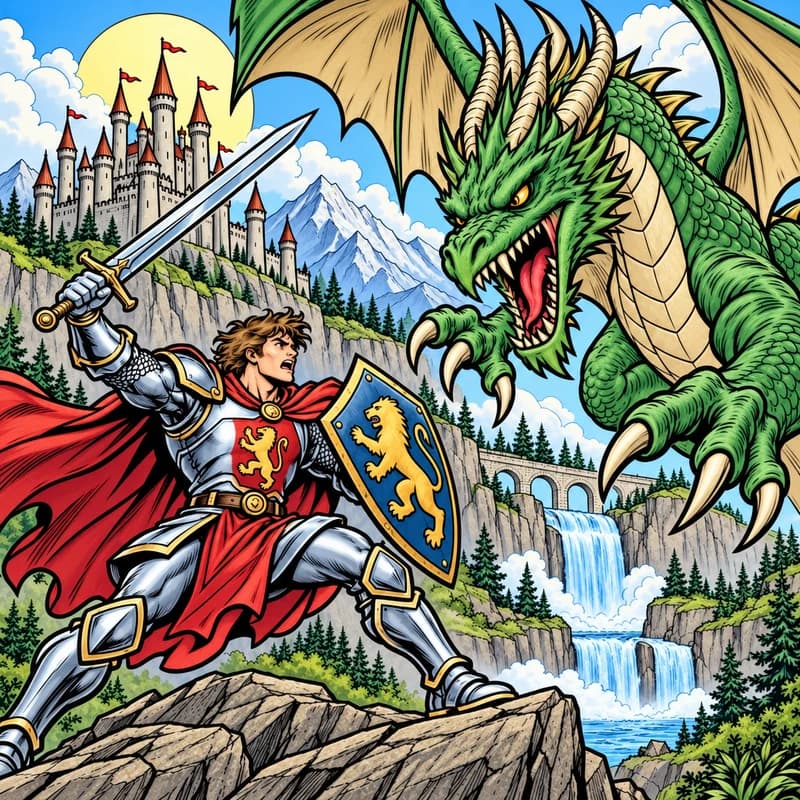
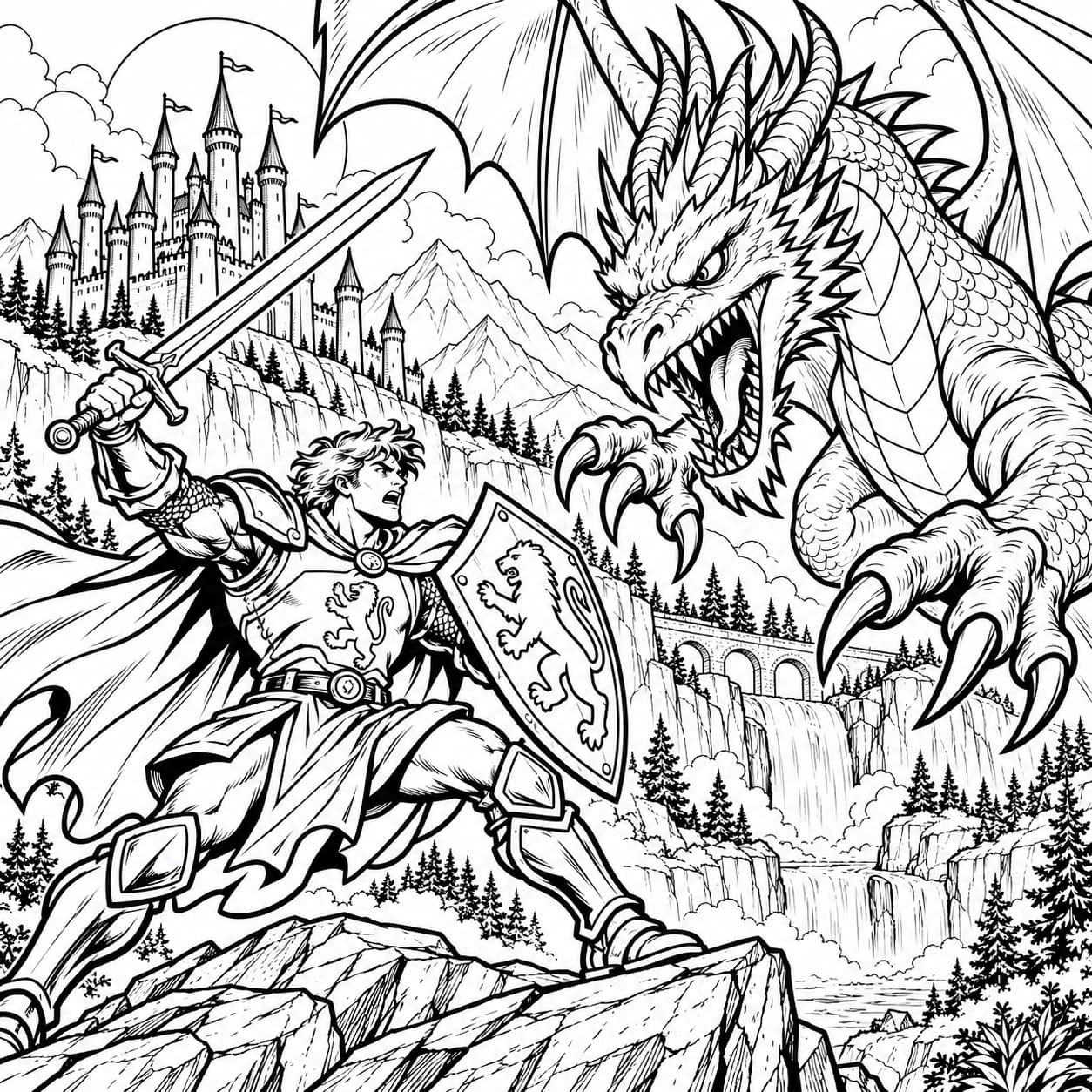
Your next origin story
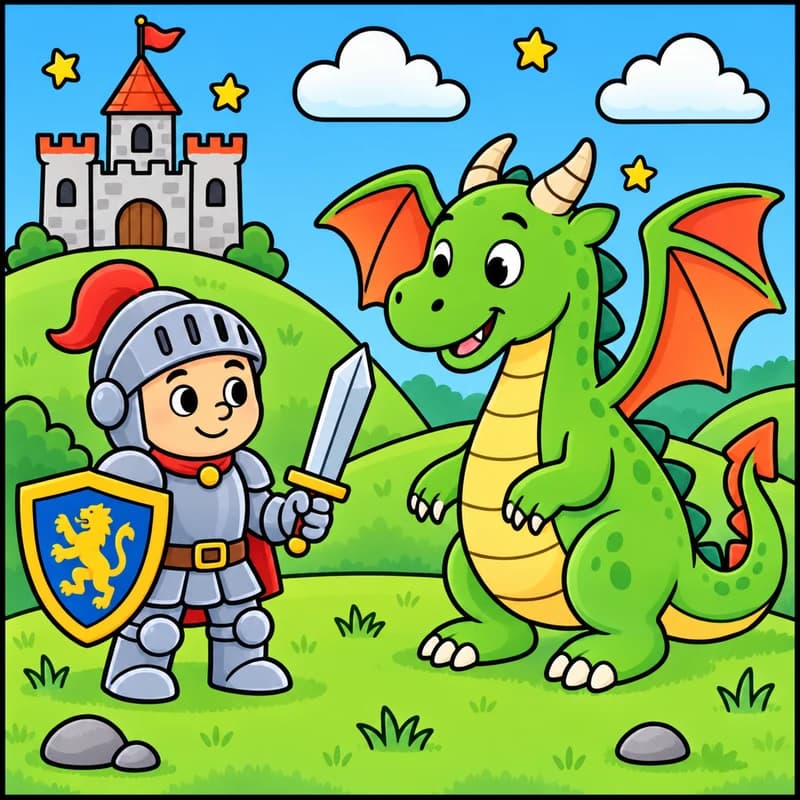
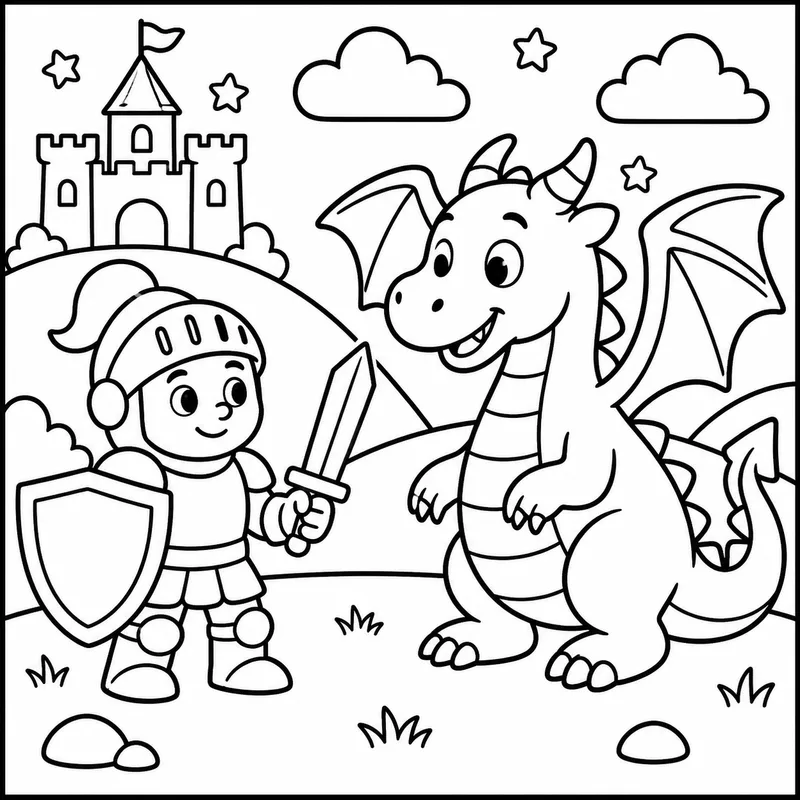
Less detail. Just as much delight.
Actual Color It Up creations. Your next idea belongs here.
A higher standard for coloring
The tiniest scales. The softest curves. The details that make you stop and look. We care about them as much as you do.
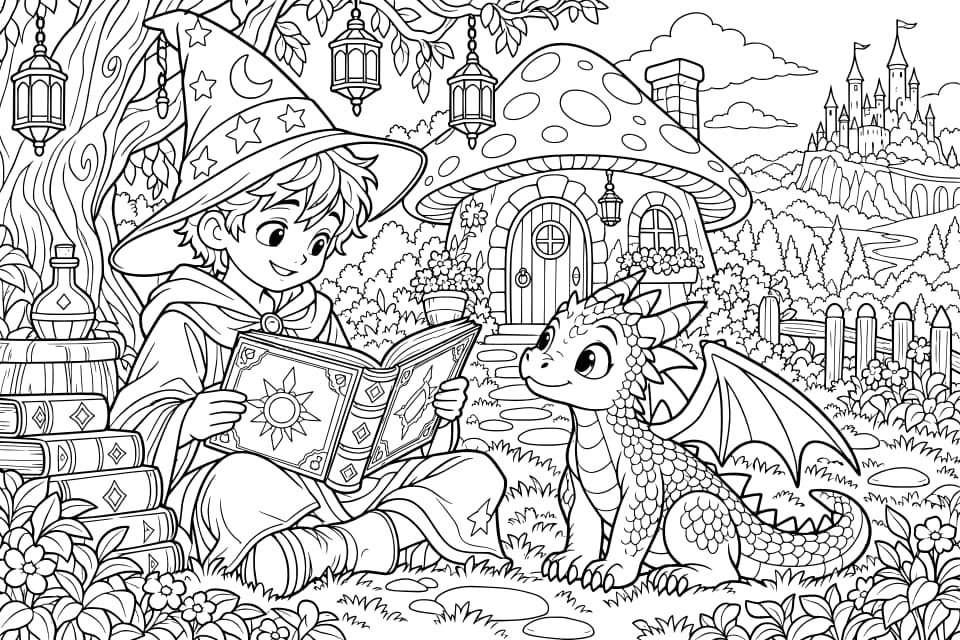
Expressive characters. Intricate little worlds. Choose Premium or Ultra detail for our most ambitious creations, made around your idea.
Your coloring outlines become scalable vector artwork. Smooth curves and crisp edges that stay sharp as you resize your SVG.
Make it a quiet afternoon with pencils. Download a print-ready PDF, or take your SVG outline into your favorite design app.
Less scrolling. More coloring.
Pick a color. Make your first mark. Sometimes, that’s all it takes to find a little room for yourself.
This page is yours to play with. No account, no setup. Just a few colors and a little curiosity.
A little color goes a long way. A little magic in every mark
Meet Magic Coloring
Magic Coloring prepares a colorful version of your page, ready to reveal. Follow your curiosity and watch it come to life, one little moment at a time.
Sweep the Magic Brush to uncover the colors beneath.
Use Magic Fill to reveal one space at a time.
Match the colors in Paint by Numbers and enjoy each small finish.
For the artist in all of us
A quiet moment for you. A big adventure for them.
Two thoughtfully designed studios, one grown-up’s account.
Adult Studio
Detailed pages, beautiful brushes, and room to get wonderfully lost in the process.
Find your creative escapeKids Studio
Turn their wildest stories into pages they can color. Big buttons for little hands. Thoughtful controls for you.
Create togetherMade for kids. Thought through for parents.
Make room for the dragons, the daydreams, and the proudly finished pictures. Kids Studio gives little artists a playful place to create, with thoughtful controls for the grown-up holding the account.
Set up their creative spaceOne grown-up account. Two creative worlds.
Family Controls
Kids Only Mode keeps Adult Studio, purchases, and account settings behind your parent PIN.
Set daily and monthly limits for creations made in Kids Only Mode, and see the points used.
You decide when to enable AI sketches, photo uploads, Magic Words, and 3D Magic.
A little independence.
A whole lot of imagination.

A few things you might be wondering
No mystery. More room for imagination.
Yes. The coloring demo on this page is free, with no sign-up. Create an account and you’ll get 15 starting points to make your own pages. You can also explore the free library.
Creating an account is free and includes 15 points. For more, choose a monthly membership: Starter at $4.99 a month for 60 points, Family at $9.99 a month for 150 points, or Studio at $19.99 a month for 400 points. Or buy a one-time pack: 120 points for $9.99 or 250 points for $19.99. Prices are in US dollars. Membership points refresh each month, and unused monthly points don’t carry over; points from one-time packs don’t expire. You can cancel a membership at any time; it stays active until the end of the month you’ve paid for. If a payment is refunded or charged back, the points it added are removed. See our Terms for billing and refund details.
You spend points to generate new artwork, and see the cost before you begin. Adult pages start at 4 points (10 for standard detail). Kids pages cost 7 points, including Magic Coloring. Adding Magic Coloring to an adult coloring page costs 8 points. Coloring, saving, reopening, and printing your own pages don’t spend points.
Start with your idea, choose your style, and let our generation bring the details to life. Premium and Ultra offer our highest generation quality. Coloring outlines are converted into scalable vectors, with SVG downloads for crisp lines at any size and PDF downloads for printing.
Absolutely. Download your pages to print at home, or keep coloring in the studio on your phone, tablet, or computer. Your page, your favorite way to color.
Just curious. Start with a few words, a photo, or the simplest sketch. Color It Up helps turn it into clean outlines, so you can enjoy the creative part at your own pace.
A grown-up creates and manages the account, then enables Kids Studio. Turn on Family Controls to set a parent PIN and daily and monthly point budgets, then lock each device you hand over to Kids Only Mode (each browser or app on a device locks separately, and while one is locked, new sign-ins start locked too). On a locked device, Adult Studio, purchases, and account settings stay behind your PIN, and unlocking one device never unlocks another. In Kids Only Mode, tools that send a child’s photo, drawing, or words to our AI provider stay off until you turn them on, after we confirm you’re a parent with a card payment or a $0.50 card check we refund right away. See our Privacy Policy for how children’s information is handled.
Leave a little brighter than you arrived.
Start with an idea. See where the colors take you.
Let’s make something15 free starting points. A whole lot of possibility.